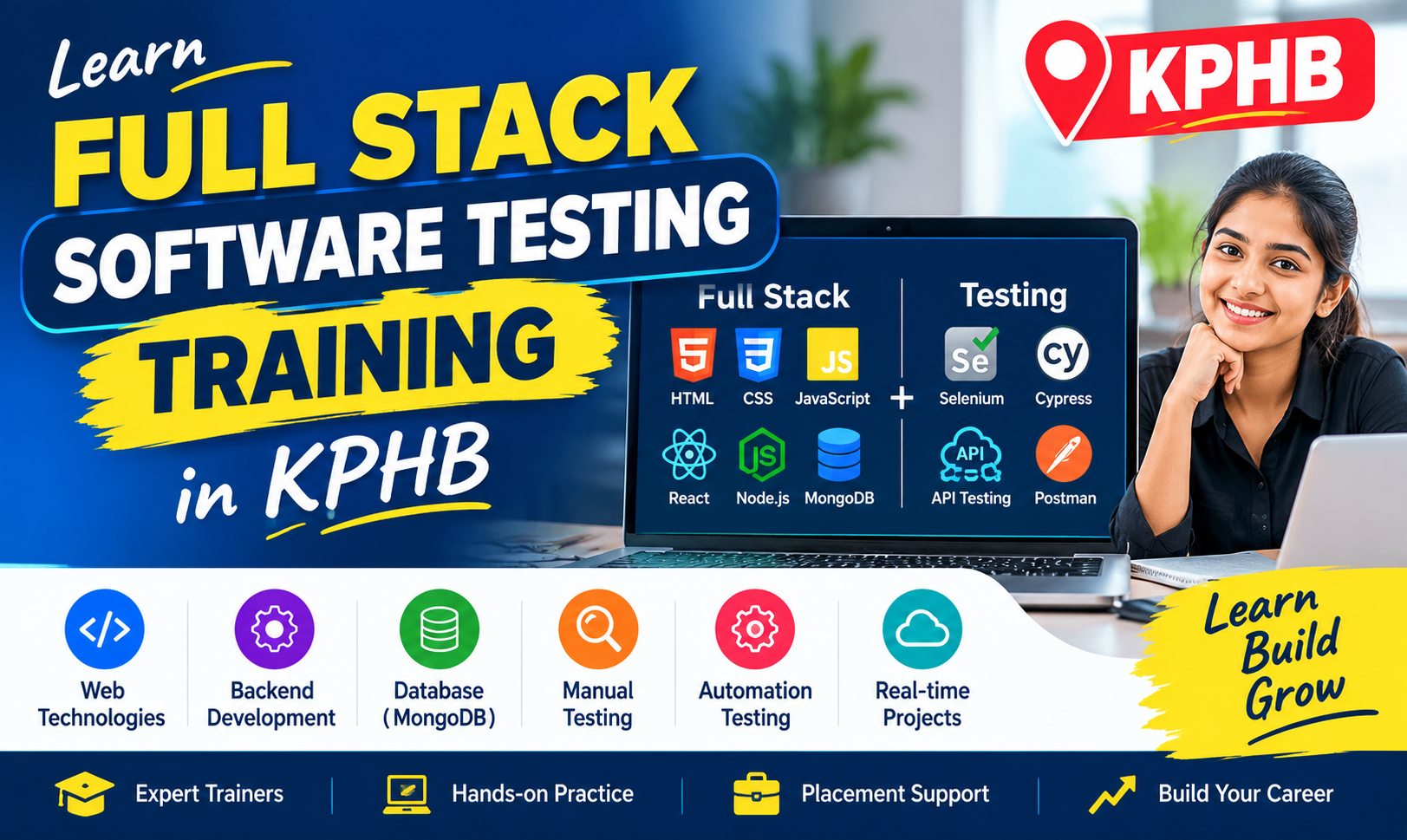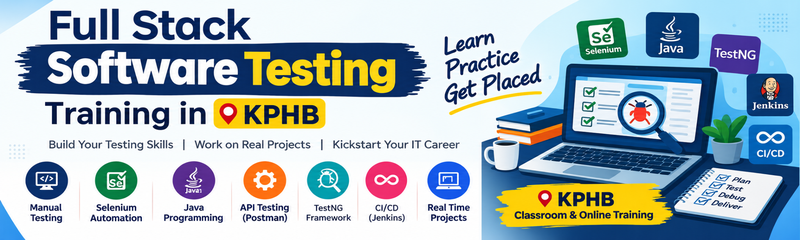
Full Stack Software Testing Training in KPHB: A Practical Guide for Beginners & Freshers
Learn the fundamentals of software testing, manual testing, automation testing, SQL, API testing, and real-world testing projects with this practical guide for beginners and freshers.
Software testing plays an important role in software development. Before an application or website is released, it needs to be checked to make sure its features work correctly and meet user requirements. Testing helps identify defects, improve software quality, and provide a better experience for users.
For students and freshers who want to start a career in the IT industry, Full Stack Software Testing Training in KPHB can be a learning option to explore. It can help learners understand how software applications are tested, how defects are identified, and how testing teams work with developers throughout the software development process.
Learning software testing involves more than finding errors on a screen. It also includes understanding requirements, preparing test cases, checking application functionality, reporting defects, and learning automation tools as you progress.
What Is Full Stack Software Testing?
Full Stack Software Testing involves learning different testing methods and tools used to check the quality of a software application. Depending on the training curriculum, it may include manual testing, automation testing, database testing, API testing, and testing fundamentals.
A software tester checks whether an application behaves as expected under different conditions.
For example, consider an online shopping website. Users should be able to register, log in, search for products, add items to a cart, and complete an order. A tester checks these features to identify problems before the website is made available to customers.
A Full Stack Software Testing learning path helps beginners understand how these testing activities fit together.
Basic software testing workflow:
Requirement Analysis → Test Case Preparation → Test Execution → Defect Reporting → Retesting → Regression Testing
.
Why Should Beginners Learn Full Stack Software Testing?
Software testing is an important part of the software development life cycle. Beginners who enjoy analysing applications, checking details, and solving problems may find this field worth exploring.
Here are some reasons students consider software testing as a career path:
- Beginner-friendly starting point: Manual testing concepts can be learned before moving to advanced automation tools.
- Practical technical skills: Learn to prepare test cases, execute tests, and report defects clearly.
- Automation knowledge: Understand how repetitive testing tasks can be automated using suitable tools and programming languages.
- Database and API testing: Learn how to validate stored data and check communication between applications.
- Career preparation: Build foundational skills for entry-level software testing opportunities.
Completing a training program does not guarantee a job. Practical experience, problem-solving ability, communication, technical knowledge, and interview preparation also play an important role
.
What Technologies Are Included in Full Stack Software Testing?
A structured Full Stack Software Testing learning path may cover the following concepts and tools. The exact topics depend on the institute’s curriculum..
Technology or concept | Purpose |
|---|---|
Software Testing Fundamentals | Understand software quality, testing principles, and the software development life cycle |
Manual Testing | Check application functionality manually against requirements |
Test Cases and Test Scenarios | Prepare steps and conditions to verify application features |
Defect Life Cycle | Understand how defects are reported, tracked, fixed, and retested |
SQL and Database Testing | Retrieve and validate information stored in databases |
Selenium | Automate browser-based testing using supported programming languages |
Java or Python | Learn programming fundamentals required for automation, depending on the course |
TestNG or PyTest | Organise and execute automated tests, depending on the technology stack |
API Testing | Validate API requests, responses, status codes, and data |
Git and GitHub | Manage code changes and collaborate on automation projects |
Agile and Scrum | Understand how testing teams work in iterative development environments |
How Does Software Testing Work in a Real Project?
onsider a student registration application used by a training institute.
Students enter their names, email addresses, and course details into a registration form. A tester checks whether the application accepts valid information, displays suitable messages for missing fields, and stores the submitted details correctly.
The tester may also check whether duplicate registrations are handled properly and whether the application works across supported browsers.
During this project, learners can practise:
- Understanding the application’s requirements.
- Identifying test scenarios for the registration form.
- Writing positive and negative test cases.
- Executing test cases and recording the results.
- Reporting defects with clear reproduction steps.
- Retesting the application after defects are fixed.
- Checking related features through regression testing.
- Automating selected test cases after learning the required tools.
Working through a project like this helps beginners understand the practical responsibilities of a software tester.
Manual Testing vs Automation Testing
Manual testing and automation testing are two important areas of software quality assurance. They serve different purposes and are often used together.
Manual testing involves executing test cases without using automation scripts. It is useful for exploratory testing, usability checks, and learning how an application behaves.
Automation testing involves using tools and scripts to execute selected test cases automatically. It can be useful for repetitive checks, regression testing, and testing applications frequently.
For example, a tester may manually explore a newly developed registration page to identify unexpected behaviour. Once the basic functionality is stable, repetitive registration checks can be automated using a suitable framework.
Students should understand manual testing before moving into automation because automation scripts still require a clear understanding of what needs to be tested.
Common Mistakes Beginners Should Avoid
1. Skipping testing fundamentals: Understand test scenarios, test cases, test execution, and defect reporting before moving to advanced tools.
2. Learning tools without practice: Reading about Selenium or API testing is not enough. Practise using the tools on sample applications.
3. Ignoring SQL: Database knowledge helps testers verify whether information is stored and retrieved correctly.
4. Focusing only on positive test cases: Test invalid inputs, missing values, boundary conditions, and unexpected user actions.
5. Not learning defect reporting: A useful defect report should explain the issue, steps to reproduce it, expected behaviour, and actual behaviour.
6. Avoiding programming fundamentals: Automation testing often requires programming knowledge. Learn the language used by your chosen automation framework.
7. Not working on projects: Practise testing complete workflows instead of limiting yourself to isolated examples.
Frequently Asked Questions
1. What is Full Stack Software Testing?
Full Stack Software Testing is a learning path that combines software testing fundamentals with areas such as manual testing, automation, database testing, and API testing. The exact coverage depends on the curriculum.
2. Is Full Stack Software Testing suitable for freshers?
Yes. Freshers can begin with basic testing concepts and gradually learn test case design, SQL, API testing, and automation tools.
3. Can I learn software testing without prior coding experience?
Yes. You can begin with manual testing without professional coding experience. However, programming fundamentals are important for most automation testing paths.
4. What is the difference between manual testing and automation testing?
Manual testing involves executing checks manually, while automation testing uses scripts and tools to perform selected checks. Both approaches are useful in different testing situations.
5. Which tools should beginners learn for software testing?
Beginners can start with test case documentation and defect tracking, then explore SQL, Postman for API testing, and Selenium or another suitable automation framework based on their learning goals.
6. What projects can beginners practise?
Beginners can test registration forms, login pages, e-commerce websites, student management systems, banking application workflows, and REST APIs using authorised practice environments.
7. What jobs can I prepare for after learning software testing?
Depending on your practical skills and experience, you can prepare for entry-level roles such as Junior Software Tester, Manual Tester, QA Tester, or Automation Testing Trainee.
8. Where can I learn Full Stack Software Testing in Hyderabad?
Students can explore Full Stack Software Testing Training in KPHB and compare the syllabus, practical assignments, trainer support, automation tools, and project opportunities before selecting a training program.
Final Thoughts
Full Stack Software Testing provides a way to learn how software applications are checked for functionality, reliability, and quality. By understanding manual testing, databases, APIs, and automation, learners can build a foundation for working with software testing teams.
A practical learning sequence for beginners is:
Testing Fundamentals → Manual Testing → Test Cases and Defect Reporting → SQL → API Testing → Programming Fundamentals → Automation Testing → Practical Projects
For students and freshers looking for guided learning, NareshIT KPHB, Hyderabad, is one option to explore. Review the course curriculum, hands-on exercises, automation tools, and project support before deciding whether the program matches your learning goals.
The most important step is to practise regularly. Start with a simple application, document the issues you find, and learn how to explain each defect clearly. Consistent practice will help you build stronger testing skills over time