Java 27 Latest Update: New Features, Performance Improvements, and What Developers Should Know
Java continues to evolve to support modern application development, secure communication, and efficient software execution. For developers learning Java or maintaining existing applications, understanding the latest release helps them identify relevant improvements and make informed technology choices.
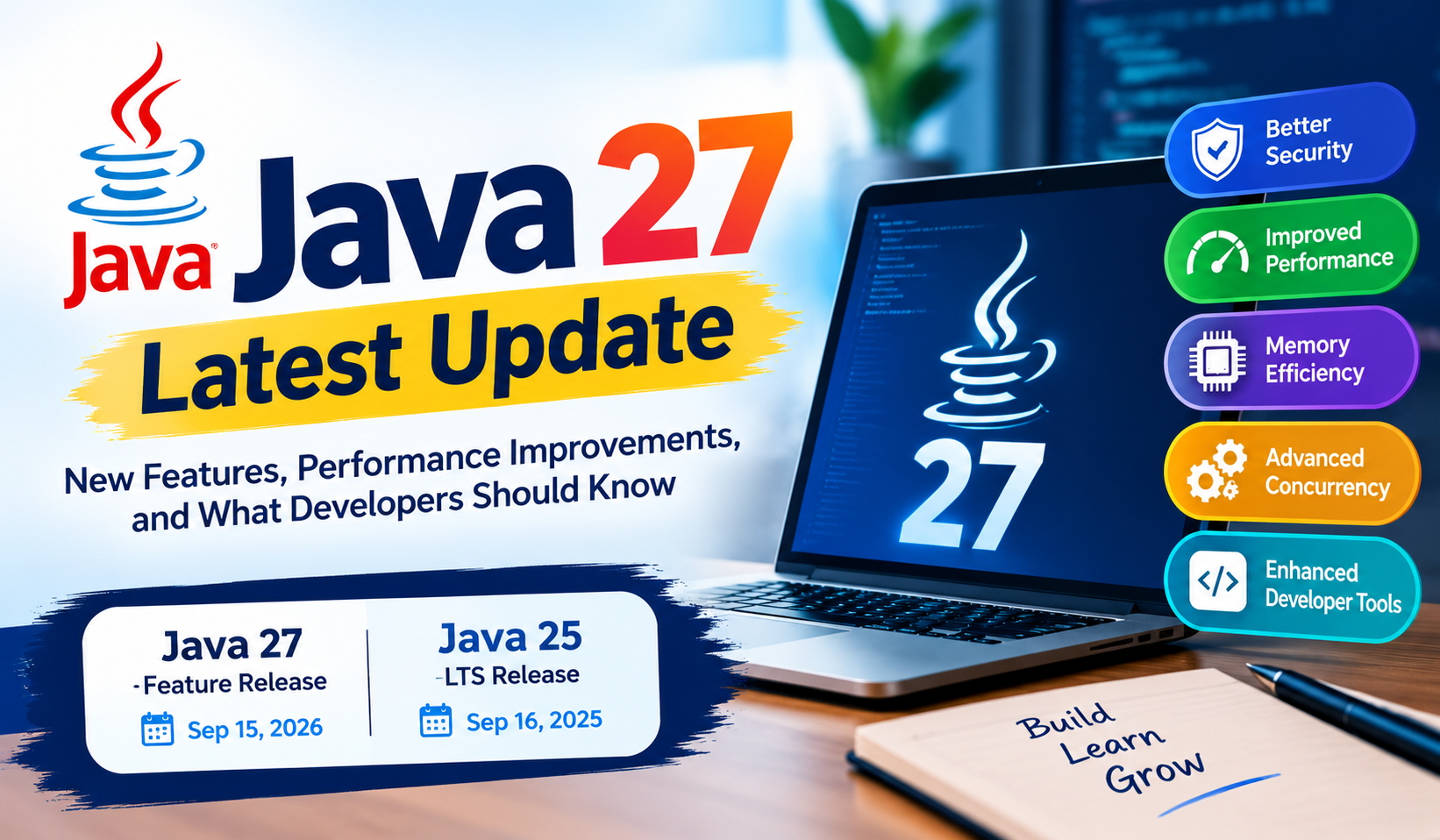
As of October 27, 2026, Java 27 is the latest feature release, and Java 25 is the latest Long-Term Support (LTS) release. Oracle lists JDK 27.0.1 as the latest Java SE update. The latest release introduces improvements in security, memory efficiency, concurrency, and developer tooling. Official Java release information.
.
What Is New in Java 27?
Java 27 became generally available on September 15, 2026. Its updates cover the Java language, runtime performance, security libraries, and diagnostic tools. Some features remain in preview or incubator stages, so developers should distinguish experimental capabilities from finalized functionality.
Key Java 27 Features
Feature | What Has Changed | Why It Matters |
Improved TLS security | Introduces post-quantum hybrid key exchange for TLS 1.3 | Helps strengthen secure network communication |
Compact object headers | Compact headers become the default in HotSpot JVM | Can reduce memory overhead on supported 64-bit architectures |
G1 garbage collector | G1 becomes the default garbage collector across environments | Provides a consistent default for memory management |
Primitive types in patterns | Expands primitive-type support in pattern matching, instanceof, and switch as a preview feature | Gives developers more expressive language constructs |
Structured concurrency | Continues as a preview API | Helps organize related concurrent tasks and their error handling |
Lazy constants | Continues as a preview API | Provides more flexibility in initializing unmodifiable data |
Vector API | Continues in the incubator stage | Supports vector computations on compatible processors |
JFR data redaction | Adds redaction of sensitive diagnostic information | Helps reduce exposure of sensitive values in diagnostic recordings |
Java 27 vs Java 25: What Is the Difference?
Java 27 and Java 25 serve different adoption needs. Java 27 provides newer feature updates, while Java 25 is the current LTS release for organizations that prefer a longer support lifecycle.
Comparison | Java 27 | Java 25 |
Release type | Feature release | Long-Term Support (LTS) release |
General availability | September 15, 2026 | September 16, 2025 |
Main consideration | Explore newer Java capabilities | Plan for a longer-term supported Java baseline |
Feature maturity | Includes preview and incubator features | Includes features finalized or available in its release |
Suitable approach | Evaluate new features in testing | Consider for projects requiring an LTS baseline |
Before upgrading | Check compatibility and preview-feature requirements | Review supported updates and licensing conditions |
Official references: Java release timeline and Oracle Java downloads.
Should Beginners Learn the Latest Java Version?
Beginners do not need to master every new release feature before learning Java. A strong foundation in programming concepts is more useful at the start.
A practical learning sequence includes:
- Java syntax, variables, data types, and operators.
- Conditional statements, loops, and methods.
- Object-oriented programming, including inheritance, encapsulation, abstraction, and polymorphism.
- Arrays, collections, exception handling, and file handling.
- SQL and database connectivity using JDBC.
- Spring Boot and REST API development for backend applications.
- Git, testing, and basic application deployment.
After building this foundation, learners can explore modern Java features and understand how they apply to real projects.
How to Check Your Installed Java Version
You can check the Java version installed on your system using the command line.
- Open Command Prompt or a terminal.
- Run the following command:
java -version - Review the output to identify the installed Java runtime version.
To check the compiler version, run:
javac -version
If you intend to install a newer JDK, first review its official release notes, operating-system requirements, project compatibility, and applicable license terms.
Frequently Asked Questions
1. What is the latest Java version in October 2026?
Java 27 is the latest feature release as of October 27, 2026. Oracle lists JDK 27.0.1 as the latest Java SE update. Check the official downloads page for subsequent updates.
2. Is Java 25 an LTS version?
Yes. Java 25 is the current Long-Term Support release listed by Oracle. It is an option for teams that prefer an LTS baseline over adopting every new feature release.
3. What are the main improvements in Java 27?
Java 27 includes updates related to TLS security, compact object headers, garbage collection, pattern matching, structured concurrency, and diagnostic information. Some language and library features are still in preview or incubator stages.
4. Should existing applications immediately migrate to Java 27?
Not necessarily. Teams should evaluate application dependencies, build tools, runtime compatibility, testing results, operational requirements, and licensing before deciding to upgrade.
5. Where can developers read the official Java 27 release notes?
Developers can review the official JDK 27 release notes for documented changes, new functionality, and potential compatibility considerations.
6. Is Java still useful for backend development?
Java remains a platform for developing server-side applications, enterprise systems, APIs, and cloud-based services. Developers can combine Java fundamentals with frameworks such as Spring Boot and database technologies to build practical applications.
Conclusion
Java 27 brings updates that focus on security, runtime efficiency, language development, and application diagnostics. However, choosing a Java version should depend on project requirements, feature maturity, compatibility, support expectations, and licensing rather than simply selecting the newest number.
For beginners, the most effective starting point is to learn Core Java thoroughly, practise object-oriented programming, and build small applications before moving to backend frameworks. Developers who already work with Java can review the official Java 27 documentation to identify improvements relevant to their applications.
Keeping up with Java releases while maintaining strong programming fundamentals helps developers make better technical decisions and build applications with greater confidence.