When developing a Java application, programmers often need to store and manage groups of data, such as student names, employee details, product records, or customer IDs. Managing this information becomes easier with the Java Collections Framework.
For students and freshers learning Core Java, understanding collections is an important step toward writing practical programs. This guide explains the main collection types, simple code examples, common mistakes, and frequently asked questions.
What Is the Java Collections Framework?
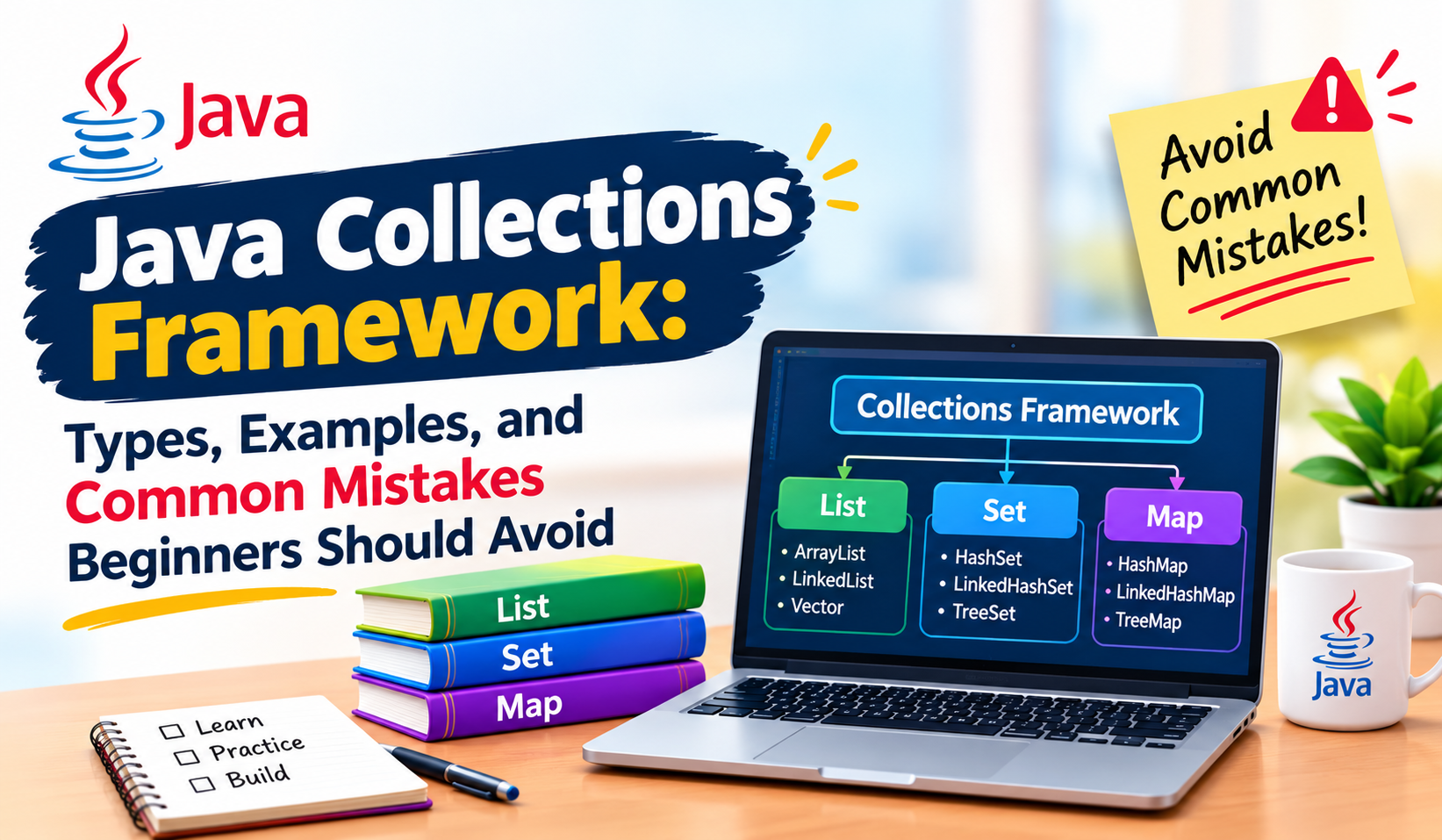
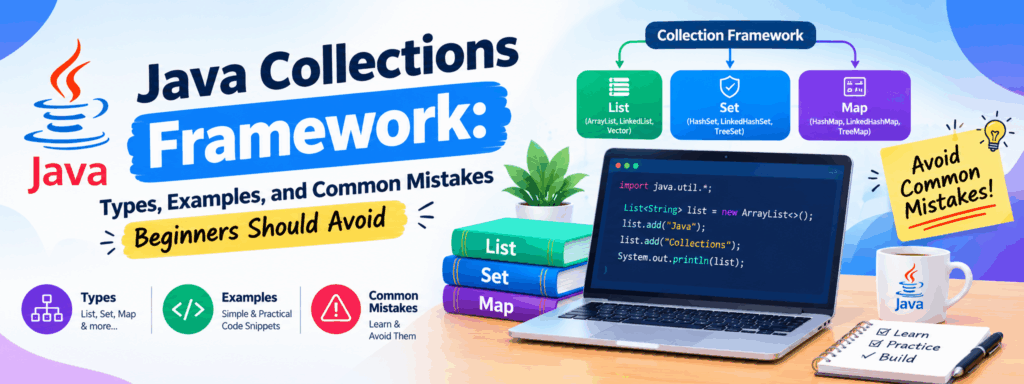
The Java Collections Framework is a set of interfaces, classes, and methods used to store, retrieve, and manage groups of objects. Instead of creating every data structure from scratch, developers can use ready-made implementations such as ArrayList, HashSet, and HashMap.
For example, an application that manages student records can use a list to store names or a map to associate each student ID with a name.
What Are the Main Types of Java Collections?
Different collection types solve different data-management problems. Choosing the correct one depends on how the application needs to store and access information.
1. List Interface
A List maintains elements in a sequence and allows duplicate values. It is useful when order and position matter.
Example: Maintaining a list of students enrolled in a course.
Common implementation: ArrayList.
2. Set Interface
A Set does not allow duplicate elements. It is useful when each value should appear only once.
Example: Maintaining a collection of unique email IDs.
Common implementation: HashSet.
3. Queue Interface
A Queue is designed to hold elements for processing. Many queue implementations process elements in first-in, first-out order.
Example: Managing tasks waiting to be processed.
4. Map Interface
A Map stores information as key-value pairs. Each key can identify a corresponding value, and keys must be unique.
Example: Mapping a student ID to a student name.
Common implementation: HashMap.
Java Collections Framework Comparison Table
Type | Main purpose | Allows duplicates? | Example use |
List | Store ordered elements | Yes | Student names |
Set | Store unique elements | No | Unique email IDs |
Queue | Manage items for processing | Depends on implementation | Pending tasks |
Map | Store key-value pairs | Keys are unique; values can repeat | Student ID and name |
Note: Map is part of the Collections Framework, but it does not extend the Collection interface.
Simple Java Collections Example
Using ArrayList to Store Student Names
import java.util.ArrayList;
import java.util.List;
public class StudentList {
public static void main(String[] args) {
List<String> students = new ArrayList<>();
students.add(“Ravi”);
students.add(“Priya”);
students.add(“Arun”);
for (String student : students) {
System.out.println(student);
}
}
}
How Does This Code Work?
- List<String> specifies that the list stores strings.
- new ArrayList<>() creates an empty list.
- add() inserts student names.
- The enhanced for loop visits each name and prints it.
This small example demonstrates how collections can simplify everyday programming tasks

Common Java Collections Mistakes Beginners Should Avoid
1. Choosing the Wrong Collection
Using a List when duplicate values must be prevented can create unnecessary problems. First identify whether order, uniqueness, or key-value access is required.
2. Forgetting Generics
Using a raw collection such as List instead of List<String> reduces compile-time type safety. Specify the expected data type wherever possible.
3. Assuming HashSet Maintains Insertion Order
HashSet does not guarantee a particular iteration order. If insertion order matters, consider LinkedHashSet.
4. Confusing List and Map
A List accesses elements by position, while a Map retrieves values using keys. Choose the structure based on how the data will be accessed.
5. Modifying a Collection While Iterating
Removing elements directly from a collection during iteration can cause a ConcurrentModificationException in many common situations. Use an iterator’s supported removal operation or another suitable approach.
6. Ignoring Null Values and Empty Collections
Before accessing data, consider whether the collection is empty and whether a value could be null. Appropriate checks help prevent unexpected runtime errors.
Frequently Asked Questions About Java Collections
What is the Java Collections Framework used for?
It helps developers store, retrieve, organize, and process groups of objects using reusable data structures.
What is the difference between List and Set in Java?
A List allows duplicate elements and maintains a sequence. A Set prevents duplicate elements, although its ordering behavior depends on the implementation.
What is the difference between ArrayList and HashSet?
ArrayList is a List implementation that supports positional access and duplicates. HashSet is a Set implementation designed to store unique elements without guaranteeing iteration order.
Is Java Collections Framework important for freshers?
Yes. It is a useful Core Java topic for coding practice, understanding data structures, and preparing for Java technical interviews.
Which Java collection should beginners learn first?
Start with ArrayList, then learn HashSet, HashMap, and queue implementations. Practise each with small programs before moving to more advanced operations.
.
Conclusion
The Java Collections Framework helps developers manage data without building every data structure from scratch. Understanding List, Set, Queue, and Map makes it easier to choose suitable structures for real programming tasks.
For beginners, the best way to learn collections is to write small programs, compare different implementations, and practise handling common mistakes. These fundamentals also provide a useful foundation for learning advanced Java concepts.