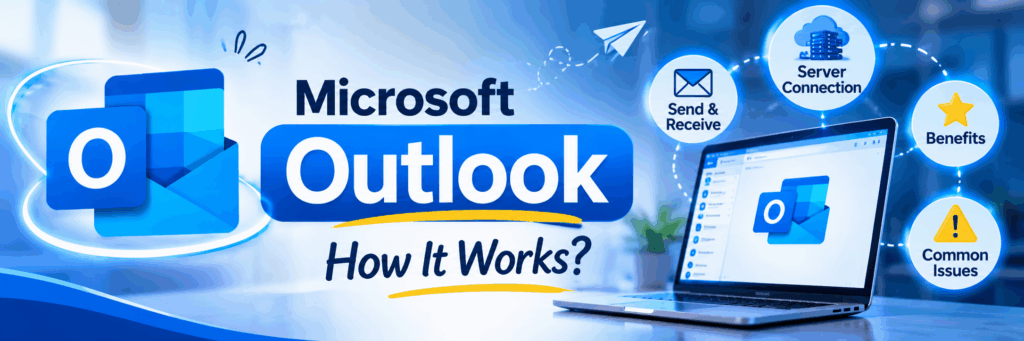
Microsoft Outlook Explained: Uses, Benefits, Server Connection and Common Issues
Have you ever wondered how employees manage hundreds of emails, schedule meetings and communicate with clients every day? Microsoft Outlook is one of the most widely used tools that makes these activities easier.
But Outlook is more than just an email application. It connects users with email services, cloud servers and workplace communication tools.
What happens when Outlook suddenly stops working? Why do companies depend on it? Let’s understand how Microsoft Outlook works, its importance and the technology behind it.
Table of Contents
- What Is Microsoft Outlook?
- Why Is Microsoft Outlook Important?
- Microsoft Outlook vs Microsoft Exchange Online
- How Does Microsoft Outlook Work?
- How Does Outlook Connect to Servers?
- What Happens If Microsoft Outlook Stops Working?
- How Can Users Fix Common Outlook Issues?
- Frequently Asked Questions
What Is Microsoft Outlook?
Microsoft Outlook is an email and personal information management application developed by Microsoft. It helps users send and receive emails, schedule meetings, manage calendars and organize contacts.
For example, employees use Outlook to communicate with clients, receive interview invitations, share project updates and schedule team meetings.
It is commonly used in businesses, educational institutions and professional workplaces.
Why Is Microsoft Outlook Important?
Microsoft Outlook helps people manage professional communication in one place.
Some important benefits include:
- Easy Communication: Send and receive professional emails.
- Meeting Management: Schedule meetings and send invitations.
- Calendar Organization: Manage appointments and important dates.
- Contact Management: Store and organize professional contacts.
- File Sharing: Share documents and important information through email.
These features make Outlook useful for daily business activities.
Microsoft Outlook vs Microsoft Exchange Online
Many people think Outlook and Exchange are the same. However, they have different roles.
Feature | Microsoft Outlook | Exchange Online |
Type | Email application | Cloud-based email service |
Main purpose | Access and manage emails | Store and manage mailboxes |
Usage | Send emails and manage calendars | Handle email delivery and mailbox services |
Connection | Connects to email services | Provides cloud email infrastructure |
Example | Outlook desktop or mobile app | Microsoft 365 business email service |
How Does Microsoft Outlook Work?
Outlook works by connecting to an email service through the internet.
When you send an email, Outlook submits your message to the connected email service. The service processes the message and sends it to the recipient’s email server.
When someone sends you an email, the service receives and stores it so you can access it through Outlook.
This process happens within seconds in normal conditions.
How Does Outlook Connect to Servers?
Microsoft Outlook can connect to Microsoft Exchange Online through Microsoft’s cloud infrastructure.
The connection allows users to access their emails, calendars and contacts across supported devices.
For example, when an employee reads an email on a laptop, the same mailbox information can synchronize with their mobile phone.
This makes communication easier, even when employees work from different locations.
What Happens If Microsoft Outlook Stops Working?
Imagine an employee needs to send an important client update, but Outlook suddenly stops working. What happens next?
A server outage or application problem can affect daily business communication.
Common problems include:
- Emails may not be sent or received.
- Users may not be able to access their inboxes.
- Meeting invitations may be delayed.
- Calendars may stop synchronizing.
- Important business updates may be missed.
However, the impact depends on whether the issue is with Outlook, the internet connection or Microsoft’s email service.
How Can Users Fix Common Outlook Issues?
Users can try a few basic troubleshooting steps:
- Check the internet connection.
- Restart the Outlook application.
- Verify account login details.
- Update Outlook to the latest version.
- Check Microsoft 365 service status.
- Contact IT support if the issue continues.
These steps can help identify common application and connectivity problems.
Frequently Asked Questions
What is Microsoft Outlook used for?
Microsoft Outlook is used to send and receive emails, manage calendars, schedule meetings and organize contacts.
Does Microsoft Outlook need an internet connection?
Most cloud-based Outlook features require an internet connection. Some previously synchronized emails and features may be available offline.
Does Outlook connect to Microsoft servers?
Yes. Outlook can connect to Microsoft Exchange Online and other supported email services to manage email communication.
What happens if the Outlook server goes down?
Users may experience temporary problems accessing emails, sending messages and synchronizing calendars.
Is Microsoft Outlook important for IT companies?
Yes. IT companies use Outlook for employee communication, client updates, project discussions and meeting management.
What is the difference between Outlook and Exchange Online?
Outlook is an application used to manage emails, while Exchange Online is a cloud-based service that manages email accounts and mailboxes.
Conclusion
Microsoft Outlook plays an important role in modern business communication. It helps employees manage emails, schedule meetings and stay connected with their teams.
However, Outlook depends on internet connectivity and the email services connected to it. If these services experience technical problems, daily business activities can be affected.
Understanding Microsoft Outlook and its connection to cloud servers helps students, freshers and IT professionals learn more about email technology and cloud computing.
As businesses continue to depend on digital communication, tools like Microsoft Outlook will remain important in everyday professional life.
What do you think is more important in business communication: email applications or cloud servers? Share your thoughts in the comments.
Follow NareshIT for more updates on cloud computing, networking, cybersecurity and emerging technologies.